Answer 1
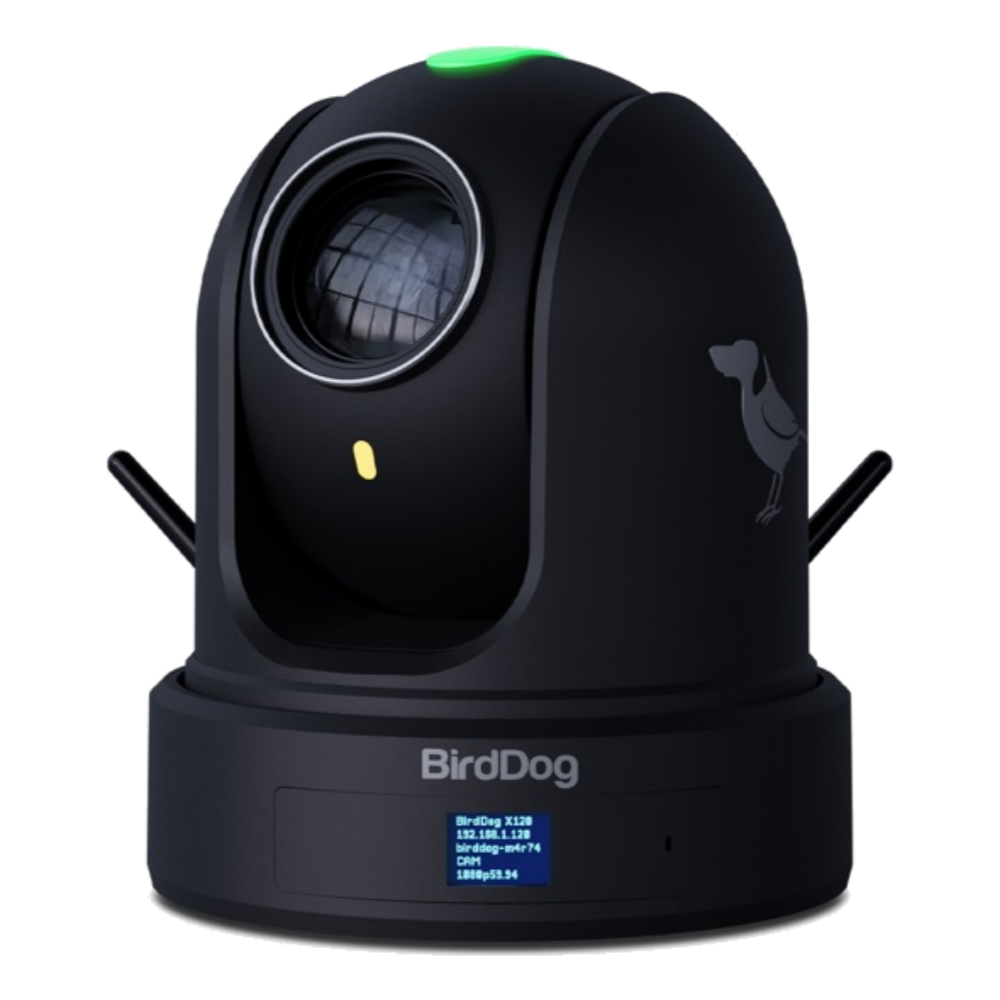
Broadcast PTZ: Best for live streaming, switching, presets, talent coverage, HDMI/SDI/NDI output, tally, and production control.
Buyer guide
Buyers often see broadcast PTZ cameras and surveillance PTZ cameras side by side. This guide separates the two so teams do not accidentally solve the wrong problem.
System audit first. Final proposal after room survey.
Fast answers
Start with the decisions that affect reliability, cost, and operator confidence.
Broadcast PTZ: Best for live streaming, switching, presets, talent coverage, HDMI/SDI/NDI output, tally, and production control.
CCTV PTZ: Best for security monitoring, surveillance recording, patrols, night vision, analytics, and VMS/NVR workflows.
Buying rule: If the goal is a show, service, class, town hall, or event livestream, plan a production PTZ system instead of a security camera list.
Planning guide
Broadcast PTZ: Best for live streaming, switching, presets, talent coverage, HDMI/SDI/NDI output, tally, and production control.
CCTV PTZ: Best for security monitoring, surveillance recording, patrols, night vision, analytics, and VMS/NVR workflows.
Buying rule: If the goal is a show, service, class, town hall, or event livestream, plan a production PTZ system instead of a security camera list.
Planning guide
If the use case is live production, start with the room, signal path, crew, and support plan before buying the camera or switcher.
JTJTi can turn the buying question into a system map and a practical equipment list.
FAQ
Yes, after checking the room, use case, current equipment, crew skill, cable path, network, audio source, and support needs.
No. These pages focus on live production, broadcast, streaming, education, worship, events, and corporate communication workflows.
Start here
Send the room, use case, deadline, and current equipment. JTJTi will help map the cameras, audio, switching, recording, streaming, network, operators, and support path.